

I Cloned a $168 App From the Toilet
I'm not technical, and I replaced a $168-a-year app with one I built for free. Inside: how I did it, and a simple test for spotting the tools you could do the same to.

I gave AI one command and walked off to make coffee. Forty minutes later I had a free app that replaced a $168/yr subscription, and I’m just getting started.
I’m guessing you probably use at least one tool you can do this with, too.
In this article, I’ll show you exactly how I cloned a simple app without writing a single line of code myself, and hand you a starting point to do the same with yours.
Here’s what you’ll get:
The 40-minute rebuild, start to finish - where you watch a non-coder clone a paid app without touching a line of code
The brand new “goal” command - the buried mode inside Codex and Claude Code that turns AI from a chatbot you babysit into a builder that writes, tests, and fixes its own code while you do other stuff
My exact design doc - copy the spec I handed the AI so your build starts on third base, not a blank page.
The “could I just build this?” test - a dead-simple way to look at every tool you pay for and spot the ones you could replace.
It’ll take about 8 minutes to read the whole thing, and you’ll learn a skill that could save you hundreds of dollars per year.
Let’s go 👇
If this looks worth your time, save it, try it sometime this week, and send it to the one friend who will think this is cool.
It started when Google quietly broke my favorite tool
For a while I had a meeting setup I actually liked. I was using Fathom, and before that, Otter. They join your meeting like another attendee would, transcribe it, and handle the speaker identification. I’d even built an AI system on top that pulled each transcript onto my computer and dropped it into my own template, so I could search back through everything and trace what got decided.
It worked beautifully.
Then Google started restricting third party tools from joining Google Meets. I think it’s because they want people using Gemini.
Shocker.
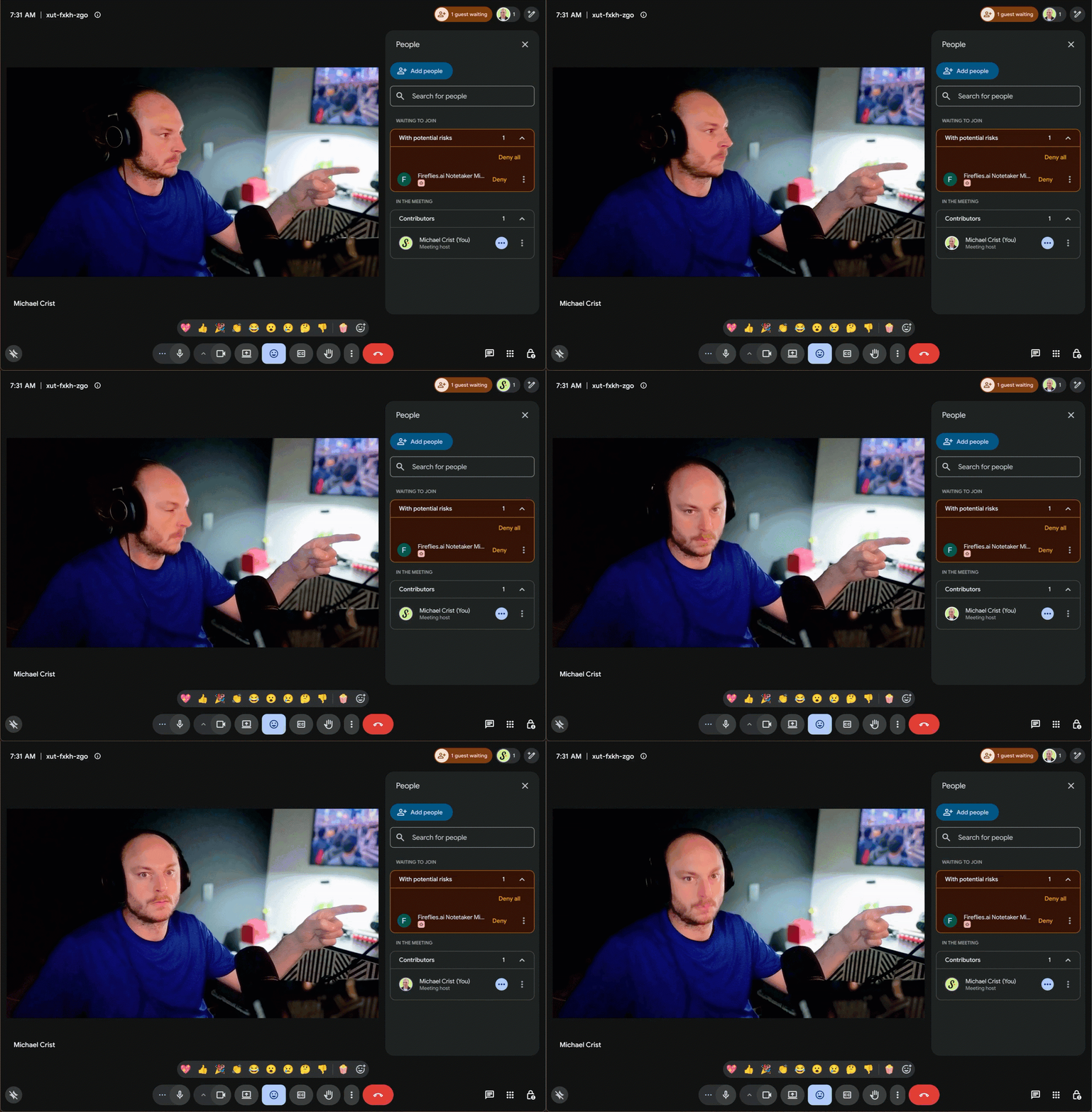
The problem is Gemini only joins Google Meets. It won’t join or transcribe Zoom or Microsoft Teams, and that’s where plenty of my meetings happen. So the setup I liked stopped working.
So, I downloaded Granola. Instead of joining meetings as an attendee, it records your system audio and microphone, and it transcribes from that. Google isn’t even aware it’s happening.
(Take that, suckas!)
But then I got to thinking...
If all it’s doing is recording the speaker and the microphone and transcribing it, I could literally just vibe code a small app that does that. I could set it up to drop the transcript right where I want it, instead of pulling it down through an API call. And over time I could build on top of it and add the things Granola won’t, like a note taker that acts more like a facilitator, one that does some timekeeping and hits me with a notification when we’re ten minutes from the end of the call.
Even with my non-technical background, I knew I should be able to vibe code something like that. It wouldn’t be that hard.
How one prompt turned into a finished app
I didn’t start by telling Codex to write a design doc. I started with a messy product conversation.
I asked how hard it would be to build an app that listens to my meetings, transcribes them locally, and writes the transcript to a markdown file. I told it I wanted something like Granola, but without a ton of features.
Codex came back with the real tradeoff:
Markdown and transcription were the easy parts. The hard part was capturing my microphone and the other people on the call, through the computer audio, at the same time.
So I kept narrowing it.
I asked how Granola actually processes its audio. I asked for the cheapest accurate way to transcribe locally. It suggested Whisper. So, I asked how Whisper works, how big it is.
We kept narrowing, kept simplifying, kept reducing scope. All I wanted was an app I load up while in a meeting, hit record, it captures my audio and the meeting audio. Two different wav files titled “you” and a “them”, and then drops the transcript into a local markdown file in a folder I get to pick.
After this beautiful little dance I wrote one more prompt:
the design doc.
Write what the MVP is, and then write what the MVP is not, so the scope can't creep.
This made a huge difference.
Making it spell out what the app would not do is what drew a boundary around the build. Then I had it review its own plan and tell me if there was a more elegant approach. It caught that recording one or two giant audio files was a bad idea and switched to recording in chunks instead.
Click here to download the design doc, so you can start from mine and not from scratch.
After it was done with the design doc - which I didn’t read, those docs are for nerds 🤓 - I ran one command:
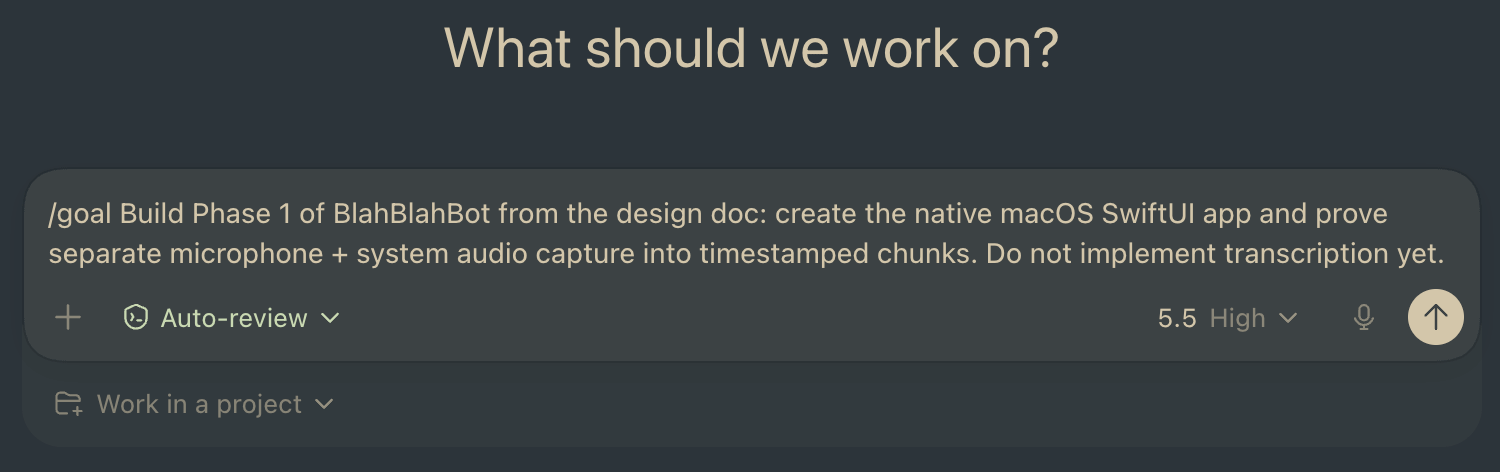
You can copy/paste it yourself, here:
/goal Build Phase 1 of BlahBlahBot from the design doc: create the native macOS SwiftUI app and prove separate microphone + system audio capture into timestamped chunks. Do not implement transcription yet.If you’ve never used it, the goal feature works differently than just chatting with the AI. In a normal chat you ask, it answers, you ask again.
With goal, you hand it the outcome you want and it goes to work on its own. It writes the code, runs its own tests to check what it built against the goal, and if it’s not there yet it fixes the bugs and keeps going.
It stays in that loop until it decides the goal is met. Some people call this a Ralph loop. It’s in Codex, and it’s in Claude Code now too, so you’re not locked into the one I happened to use. I built mine in Codex because Codex got the feature first.
So, I dropped this prompt, pressed enter and walked away. The little wheel started spinning, and I went and lived my day.
I’d check in on it now and then and it was still going, still iterating. Every so often it would stop and ask me for a permission, and I couldn’t even tell you what half of them were for. The actual coding time was about 45 minutes. It took me closer to 2.5 hours start to finish, but only because I was off doing other things and wasn’t around to click “allow.” If I’d been paying attention, it would have been a lot faster.
I kept waiting for it to make me do the annoying parts, go create an account somewhere, or download some dependency, or paste in an API key. I’ve had to do all of that with other apps I’ve built. But it never asked.
I’m pretty sure it downloaded and installed Whisper itself.
It just built the whole freaking thing.
The experience with /goal was flippin’ amazing.
I give it 10 / 10 stars, highly recommend, and would do again.
It works, but it is not magic
But... as with any vibe coded app, there were a few pesky bugs.
The audio files are huge. I had one 90-minute meeting and the recording came out to almost half a gig. The way it saves them is kind of weird. It records in chunks, a new file every five minutes, split across two folders. One folder is everything from my mic. The other is the system audio, which is everyone else on the call. Add it all up and that single meeting was around 500 megs sitting on my drive.
It also wasn’t deleting any of that on its own. So I went back to Codex and told it to clean the files up when a recording finishes. That fixed it, but I had to be the one to ask.
Transcription was slow the first couple of times too. There were some settings around how Whisper runs on my computer and what it pulls on to do the processing, and I had Codex adjust them. It gets faster every time I tweak it. I’m still tuning that part.
Let me be straight with you:
Mine is not Granola yet. Granola ships your audio out to cloud processors and gets clean results back fast, and on raw quality it still beats what I’ve got.
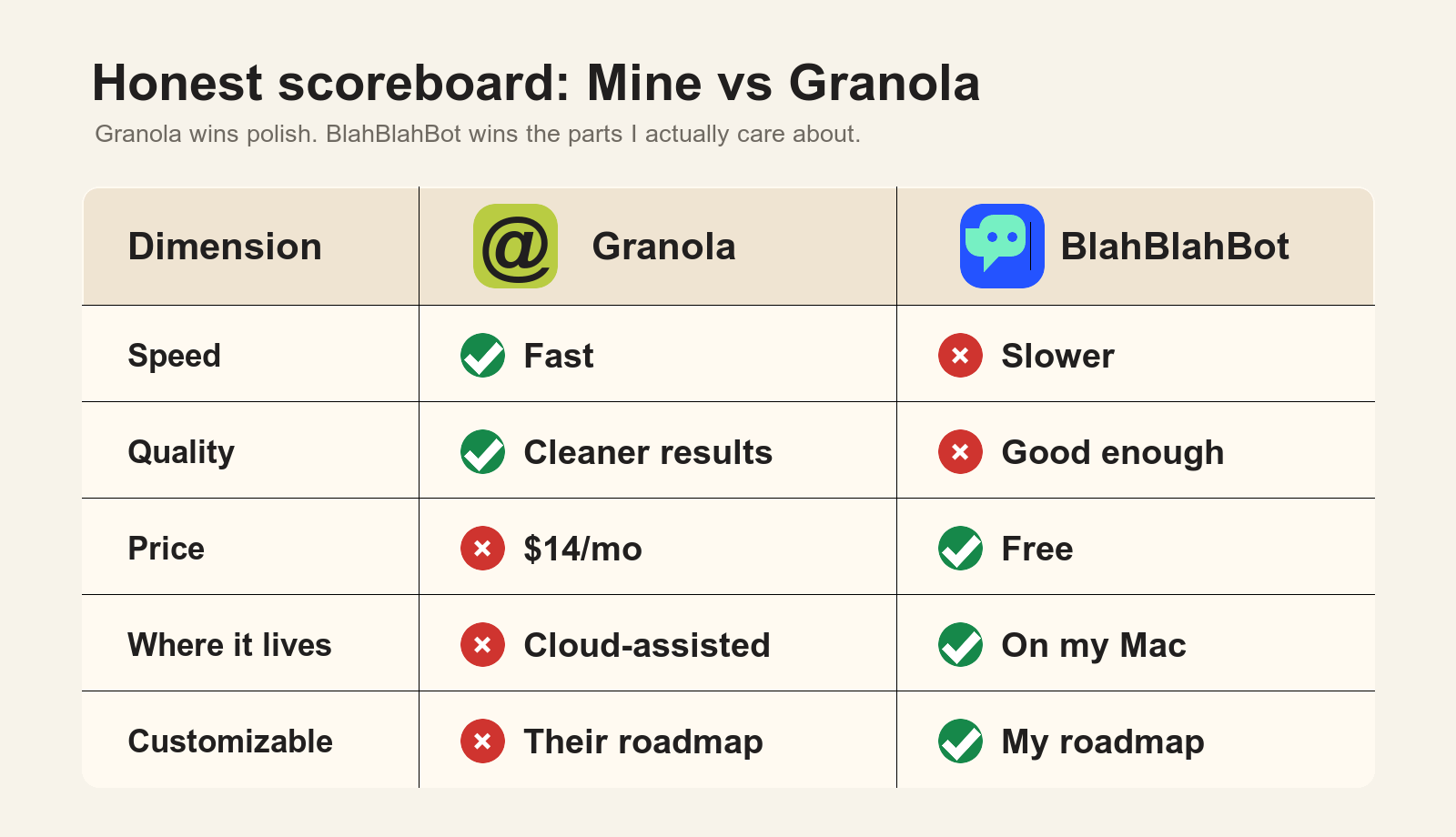
But mine is free and I built it without VC money. It lives on my own computer, and it already does the one thing I actually need. Give me two weeks and I’ll have a pretty damn good transcription app sitting right here on my machine. And the best part is I get to keep adding to it, building the custom stuff I actually want.
Who should try this, and who should just keep paying
So who is workflow like this for?
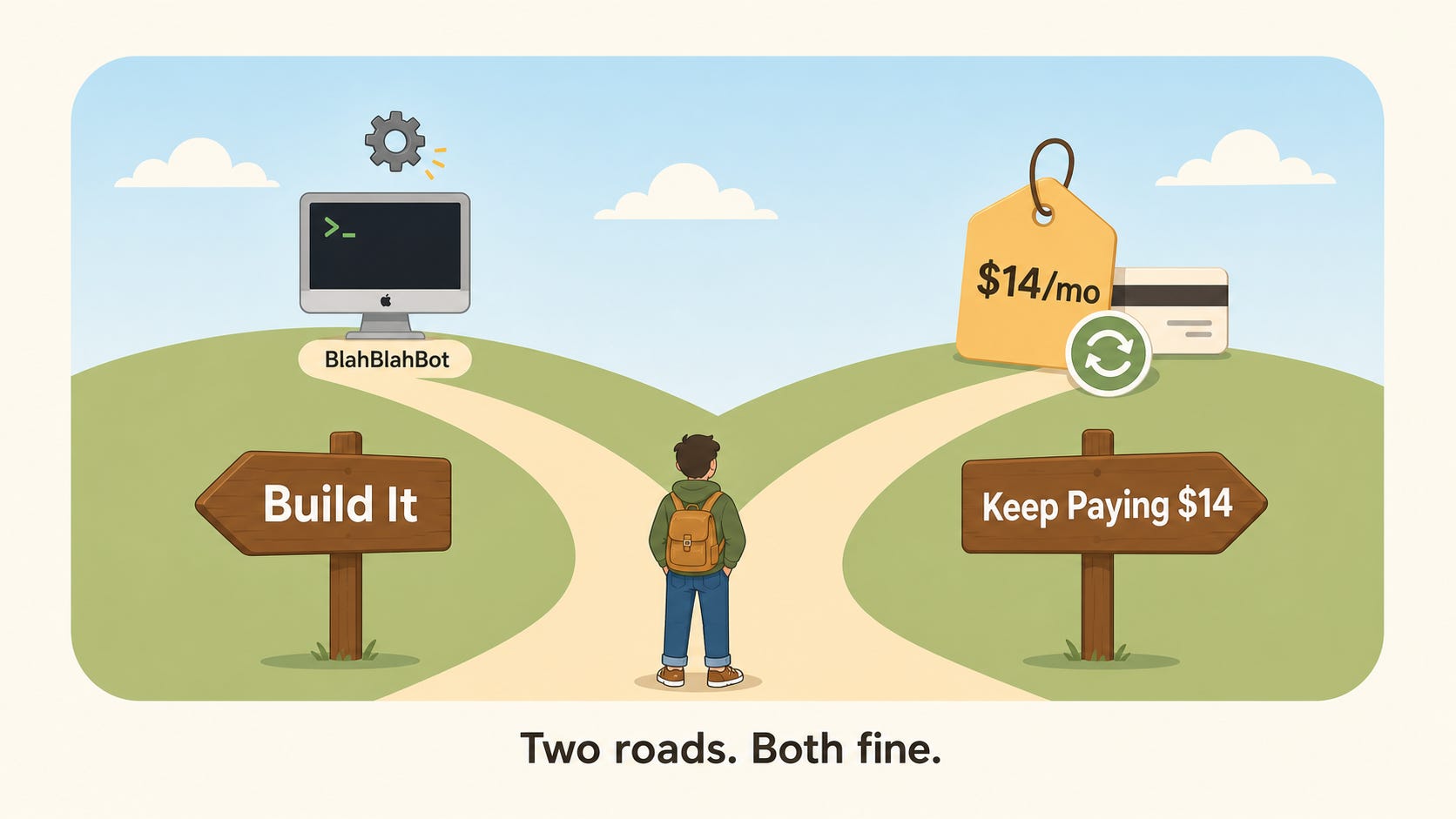
You’ll need a Mac, since the app is built native to macOS. A paid Codex or Claude subscription too, either one works, you only need the one. And you have to be okay letting an AI run loose on your computer for a while. If you’re already using Codex or Claude code, you’ve got that comfort already.
(That’s basically table stakes at this point.)
One more bit of honesty about what this post is:
I’m just showing you a cool thing I did this week and roughly how I got there, in case you want to try it yourself. I’m not pretending it’s a hand-holding walkthrough for a total beginner. And if this isn’t for you, the $14 a month I was paying Granola is a perfectly fine deal.
Keep paying it. No shame in that.
Every tool you use for one thing is now in danger
Here’s the biggest takeaway:
The reason I could rebuild Granola is that I only use it for one thing. I open it, it listens to my meeting, it transcribes it. That’s it. I never touch the notes feature or any of the other stuff bolted on around it.
Tools like this are in danger.
Look at a tool you pay for and ask what you really use it for. Forget the long feature list on the pricing page. Day to day, what is the actual job you open it for?
If the honest answer is one thing, one core loop you run over and over, that tool is probably a rebuild candidate now.
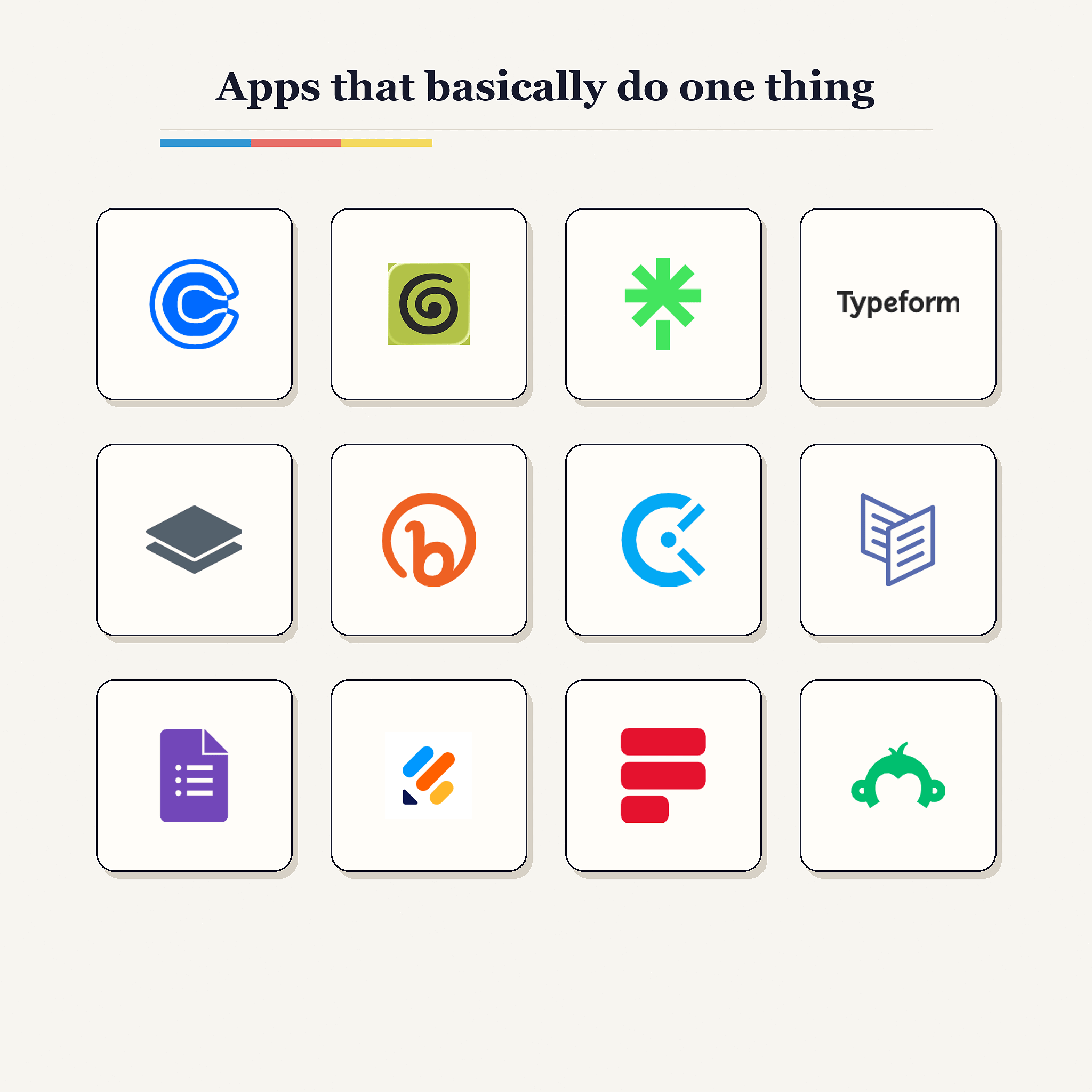
Once you start looking at your stack this way you see it everywhere. Take Calendly. For most people all it does is show someone your calendar and let them book a slot. That’s a value loop simple enough to hand to an AI and walk away from, same as I did with my recorder.
The $24,000 reason SaaS should be nervous
Now here’s where it gets interesting, and this is more a prediction than a promise. I think B2B software is in real trouble.
Consumer apps are mostly safe.
Most people are never going to open Codex or Claude code to build their own version of something and then babysit it forever. Even a couple years from now, when you can probably pull this off in a single sentence and it builds in 30 seconds, most people still won’t bother. We live in a world where someone can have a fridge full of food and a perfectly good microwave at home and still drive halfway across town for Burger King, or just DoorDash it to the couch. That instinct is not going anywhere.
So consumer software gets to keep its customers. But business software is a different story.
In B2B, one tool can quietly cost a company 5 or even 6 figures a year.
Here’s a real example from my own life:
We pay around $24,000 a year for a business intelligence tool. I won’t say which one. Right now we’re rebuilding every dashboard we use in it inside a free open-source tool, so we can stop paying that bill.
When the thing costs $24,000 a year, spending a little engineering time to rebuild the part you actually touch does the math on its own. The return on building it yourself used to be tiny due to the labor cost. Now it’s enormous.
Any B2B tool charging 5 or 6 figures for a job that is really one core value loop is now a opportunity to be vibe coded.
The SaaS subscription you hate the most might be optional now
So that’s where I’ve landed. For years I rented my software. I paid the monthly bill and lived with whatever the company up top decided to build next. That’s flipping now.
The tool you hate is turning into something you can open up and reshape into whatever you actually need.
That $14 a month I was handing Granola is optional now. The thing it does for me turned out to be something I could just own outright.
So go do the one thing I’d want you to do after reading this.
Pick the tool you pay for and quietly resent the most. Open it up, look hard at what you actually use it for, and ask whether its one job is something you could just build. You might be surprised how often the answer is yes.
I named mine BlahBlahBot. That should tell you exactly how I feel about meetings.
Take care & see you in the next one!
-Michael ✌️
P.S. Can you do me a favor? If you found this helpful can you please like, comment, and re-stack it? It’s free for you but a HUGE BOOST to my little publication. Thank you ✌️
If you liked this article, check these out:
Cool stuff. Would love to see your finished version. My friend built this 4 months ago for his meetings and not only does it transcribe it gives him feedback during the meeting
Love it! I used this same approach to write my own Google Chrome extension using Claude.